Licenze autentiche · Rimborso UE di 14 giorni · consegna in ø 43 sSpedizione in tutti i 27 Paesi UE
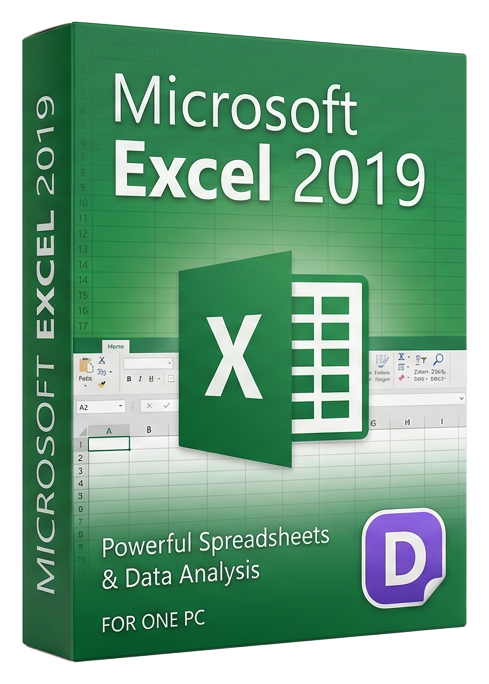
The world's most powerful spreadsheet application — analyze data, build financial models, create charts, and automate calculations with a proven perpetual license.
Microsoft Excel 2019 è tra due lotti. Sfoglia altre licenze originali nella stessa categoria — si attivano nello stesso modo e vengono consegnate in pochi secondi.
Sfoglia alternative microsoftNiente marketing — solo avviso di riassortimento. Annulla l’iscrizione con un clic.
Chiave di licenza + guida all’attivazione nella lingua del tuo OS. Fattura IVA in PDF allegata.
Ogni chiave è controllata sui server di attivazione del publisher prima dell’invio.
Le chiavi non utilizzate possono essere restituite entro 14 giorni in base al diritto dei consumatori UE (Direttiva 2011/83/UE).
Microsoft Excel 2019 is the standalone edition of the world's most widely used spreadsheet application, offering a perpetual license for professionals who need powerful data analysis, financial modeling, and reporting capabilities without recurring subscription costs. Whether you are a financial analyst building DCF models, an operations manager tracking inventory, or a researcher processing experimental data, Excel 2019 provides the tools to transform raw numbers into actionable insights.
Excel 2019 introduced several major features that remain highly relevant. Funnel charts visualize stages in a sales pipeline or conversion process, showing how values decrease progressively through each stage. Map charts transform geographic data into interactive visual maps, automatically recognizing countries, states, and postal codes. 2D map support enables plotting data points on geographic surfaces for spatial analysis — invaluable for logistics, real estate, and market research.
New functions like TEXTJOIN and CONCAT simplify text manipulation that previously required complex nested formulas. IFS and SWITCH replace deeply nested IF statements with cleaner, more readable alternatives. MAXIFS and MINIFS extend the conditional logic family, letting you find maximum and minimum values that meet multiple criteria — essential for financial analysis and data filtering.
Pivot Tables in Excel 2019 received significant usability improvements with better auto-detection of data relationships, customizable default layouts, and improved performance with large datasets. The Power Pivot data model engine lets you work with millions of rows from multiple data sources, creating relationships between tables and building DAX measures for sophisticated business intelligence without leaving Excel.
For visualization, Excel 2019 includes SVG icon insertion for modern, scalable graphics in your spreadsheets, and improved ink support for annotating and sketching directly on worksheets with a stylus. The Ideas feature analyzes your data and suggests charts, pivot tables, and trends, making it easier for casual users to discover patterns.
Excel 2019 supports .xlsx, .xlsm, .xlsb, .csv, and legacy .xls formats, ensuring compatibility with files from colleagues, clients, and legacy systems. Macros and VBA remain fully supported for automating repetitive tasks, building custom functions, and creating interactive dashboards.
Stripe / SEPA / iDEAL / Bancontact — accettiamo tutti i principali metodi di pagamento UE.
Controlliamo la tua licenza sui server di attivazione dell’editore in tempo reale.
Licenza + guida all’attivazione arrivano in meno di 60 secondi. Media di 43 secondi.
Segui la guida nella tua lingua. Fatto in meno di 2 minuti.
